A PDF form turns an item into a tidy document to print, file or send.
Make one
In PDF forms, create a new design, or use Make a PDF form from it on an existing data entry form to start from its layout.
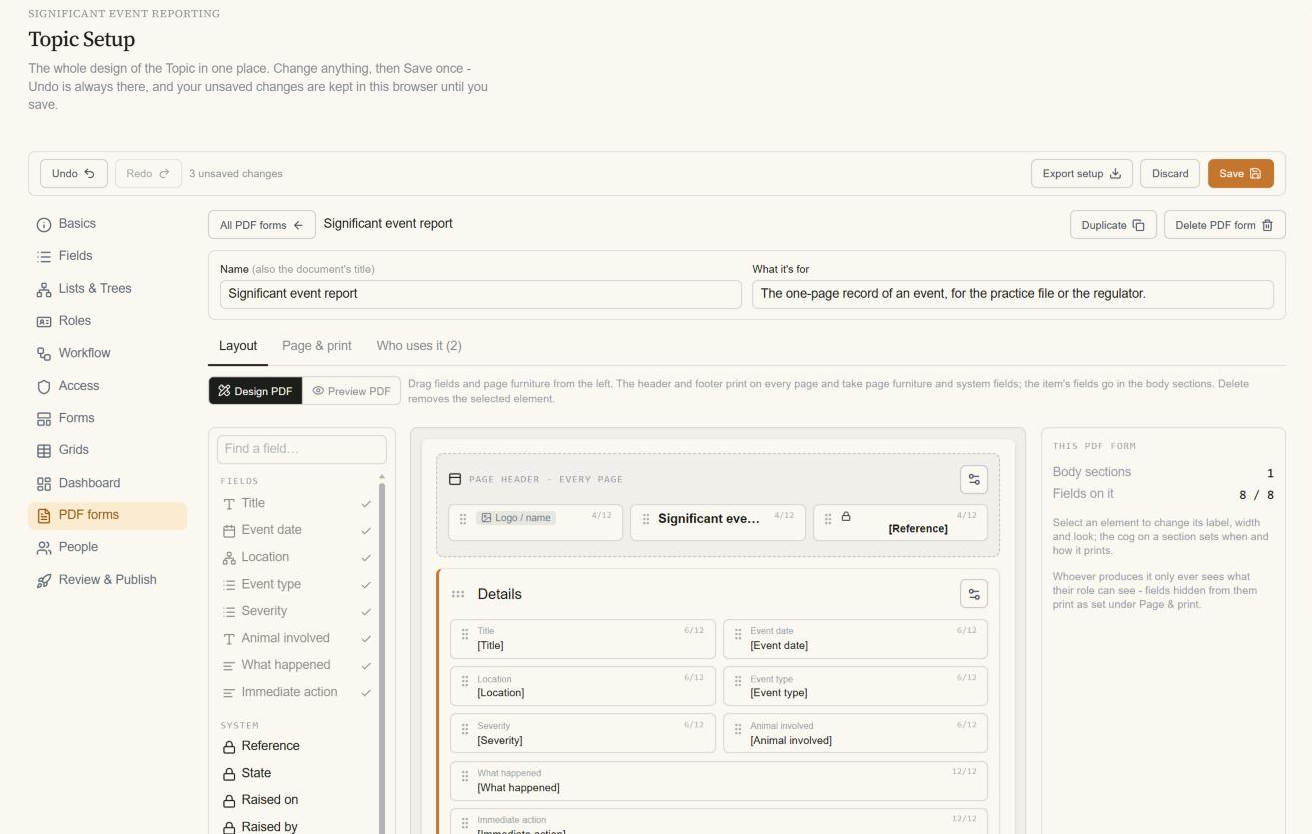
Set the page size and margins, and arrange fields in rows and sections.
Say who uses it.
Preview PDF shows the result with real data.
Use one
On an item, choose Create PDF. The PDF is made in your current role: fields your role can't see aren't in it. PDF forms are published with the rest of the Topic.