The data pack's scores are a sensible starting point, but you know your business. If a unit's inherent impact or likelihood is wrong for you, override it.
Steps
Open the unit screen.
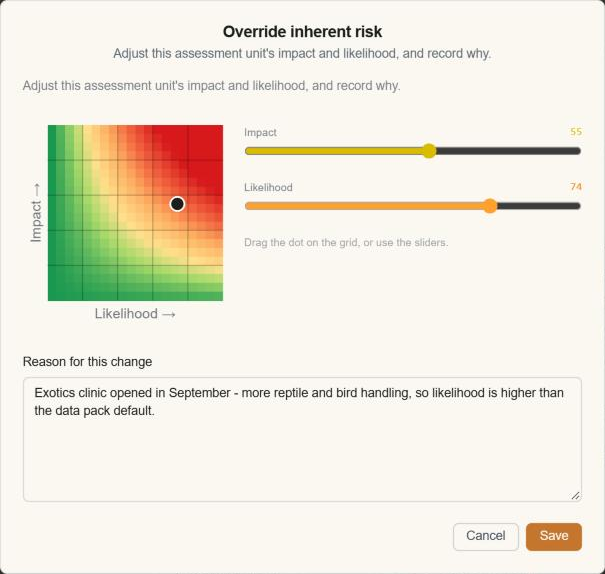
Click the pencil beside the risk grid.
Move the Impact and Likelihood sliders. The grid previews the result as you go.
Give a reason, for example "Likelihood raised: two near misses this quarter".
Save.
Good to know
The change shows everywhere at once: the Back-Log, board, dashboards and Risk Picture.
Every override is kept in the Risk score tab of the unit's history, with the old and new scores and your reason.
You need permission to override risk scores, and your workflow role must allow it at the unit's current stage. See What you can do at each stage.
If testing suggests a likelihood change, you'll see it as a proposal you can apply with one click.